Administration is where a clinic’s shared configuration lives. Everything on it applies across the clinic rather than to one person’s workspace: the clinic’s name and logo, its branches, its staff, its price list, and the connections to the Italian fiscal and health-record services. It is a landing page — each card takes you to the screen that does the work.
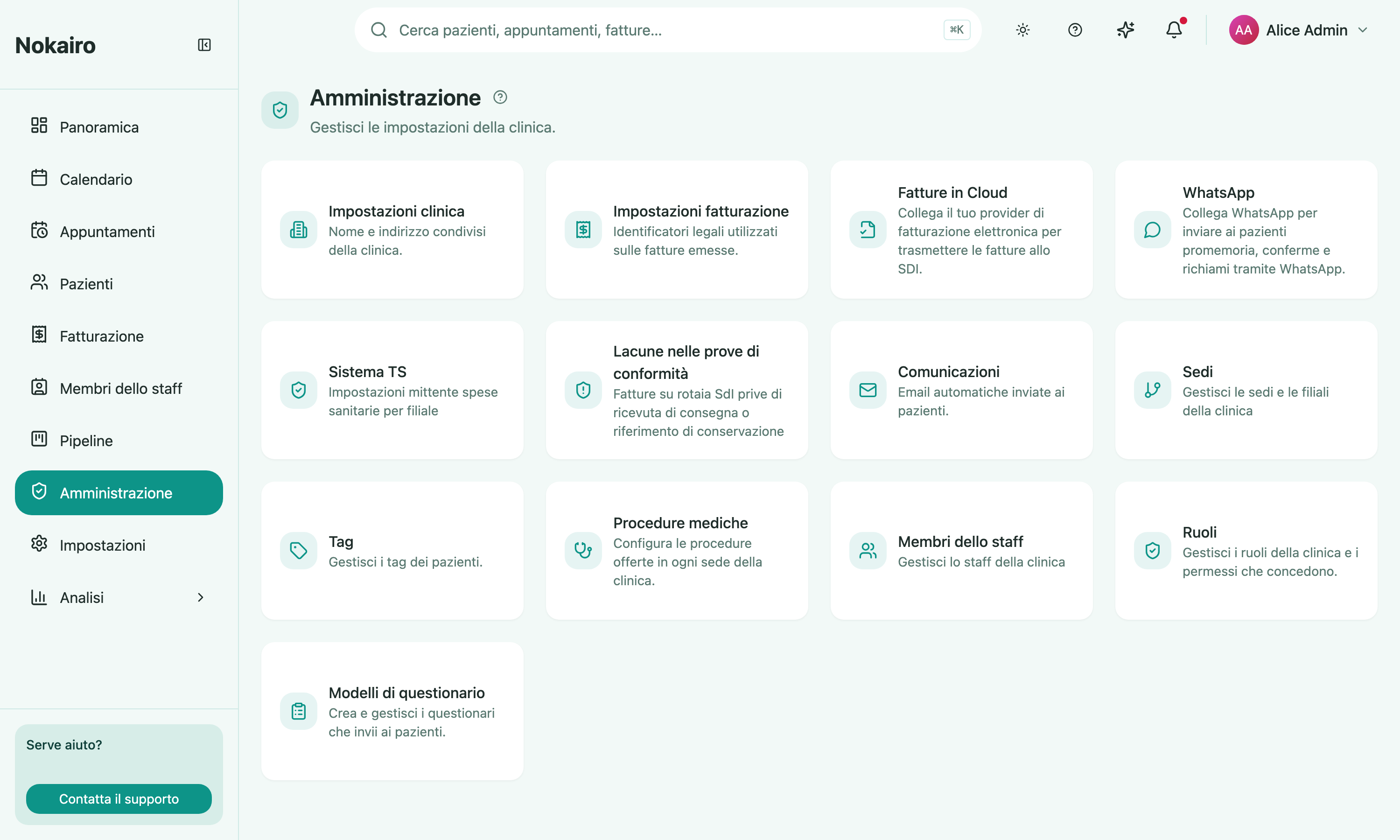
What you can do here
- Reach clinic-wide settings: clinic details, billing identity, branches, tags, staff, roles.
- Reach the clinical catalogue: medical procedures and questionnaire templates.
- Reach the fiscal and accounting screens: the Sistema TS sender and the clinic’s accounting connection.
- Reach the messaging setup: automated patient communications and the WhatsApp connection.
Why your grid may look different from a colleague’s
The cards are not all always shown. Several of them — accounting, WhatsApp, Sistema TS, communications, medical procedures, questionnaire templates — appear only for staff whose access includes the matching area. If a card is missing from your grid, the feature is not gone; your account does not currently reach it. Clinic settings, branches, tags, staff, roles, and billing settings are always listed, though the screen behind a card may still open read-only.
How it relates to your personal settings
Administration is not the same as your own Settings page. Personal preferences — interface language, theme, appearance — belong to you alone and live there. What you change under Administration is seen by the whole clinic.