Tags are short coloured labels a clinic attaches to patient records. This page is where the set of available tags is defined, so that the people working on patient records pick from a shared, consistent list rather than inventing their own.
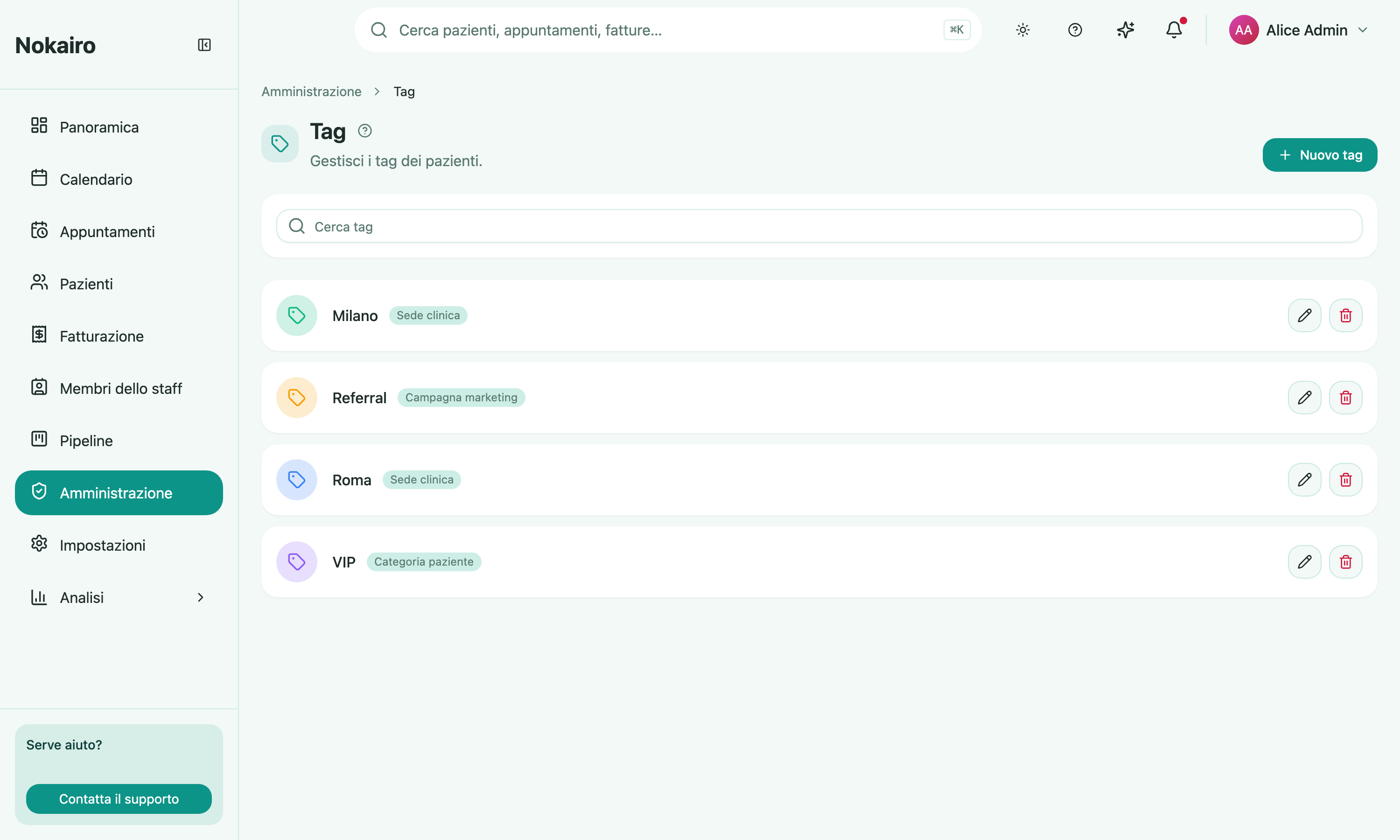
Set up during registration
The registration wizard offers a starter set of patient tags. Those you kept were created here with their colour and category; skipping that step leaves this page empty. See Getting started.
What you can do here
- Create a tag with a name (up to 60 characters) and a colour, chosen by hue or given as a hex value.
- Assign it a category: clinic location, patient category, marketing campaign, clinical alert, or other.
- Search the list of tags.
- Edit a tag’s name, colour, or category.
- Delete a tag.
The clinical alert category
Clinical alert is for the handful of tags that flag something the team must see before treating — an allergy note, anticoagulant therapy, bisphosphonate therapy. Three tags in that category are offered during registration, and you can create your own.
Treat it differently from the other four. A clinical-alert tag records health data, which is special-category personal data under the GDPR: apply one to a patient only when there is a clinical reason to record it, and keep the wording to what a clinician needs to see at a glance. The category itself changes no permissions — anyone who can see a patient’s tags sees these too — so the discipline is in what you choose to write, not in what the system withholds.
Deleting removes it from patients
Deleting a tag is not just a tidy-up of this list. The confirmation is explicit: the tag is removed from every patient it is currently assigned to. If a label has fallen out of use, consider whether the patients carrying it still need to be findable by it before you delete.
These are not pipeline tags
Patient tags and the tags used on leads in the commercial pipeline are two separate sets, managed on two separate screens. Creating a tag here does not make it available on a pipeline lead.
Who can change it
The page opens for staff whose access includes tags; others see a message instead. Staff who can view but not modify see the list without the editing controls.