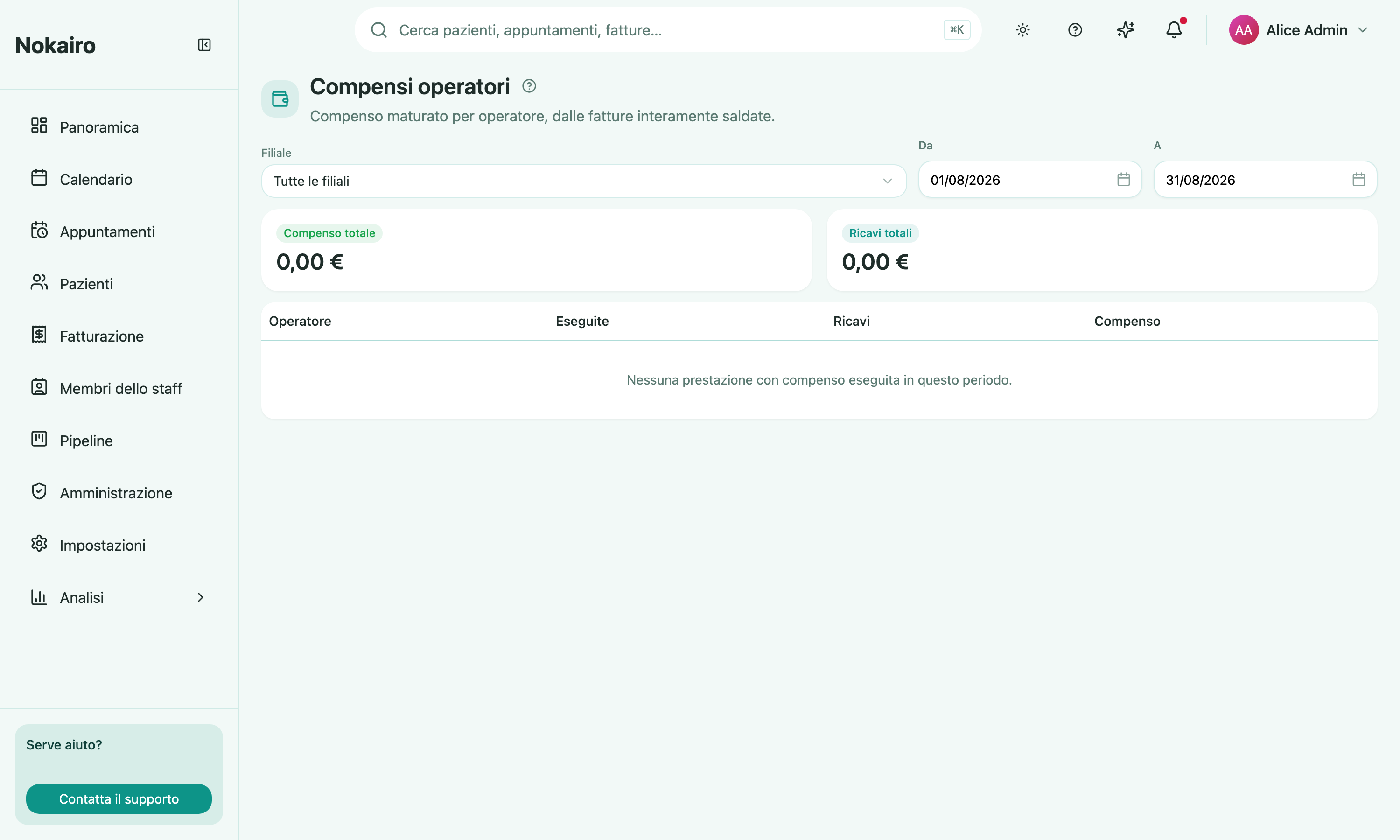
This report shows commission earned per person, and lets you open a row to see it broken down by procedure. It is the page to read before paying practitioners, and the one to reach for when someone asks how their number was arrived at.
What you can do here
- Pick a period and, if you want, a single branch.
- Read the totals — total commission and total revenue for the period.
- Read the table: one row per staff member with what they performed, the revenue behind it, and the commission earned. Expand a row for the same three figures per procedure.
How a commission is attributed
Commission follows who performed the treatment, not who the work was assigned to. The chain is: a recorded treatment execution names the practitioner who carried it out, that treatment sits on a medical quote, and that quote is linked to an invoice. Only fully paid invoices count, and the period filters on the invoice’s issue date.
A treatment with no performer recorded against it earns nobody anything and does not appear here at all. Where a treatment has more than one execution, one performer is credited — the commission is not split between them.
The rate itself comes from the procedure’s entry in the catalogue: either a fixed fee per unit, or a percentage, which may be worked out after deducting the estimated lab and materials costs depending on how the procedure is set up. A procedure with no payout configured earns no commission.
Two things that will look wrong but are not
Revenue here is the quote line amount, not the amount actually invoiced. If the invoice was discounted, the figures will differ.
The commission on the procedure profitability page is calculated differently and will generally not match this one. That page is measuring the cost of a procedure to the clinic; this page is measuring what a person earned. Do not treat one as a check on the other.
Who sees what
The report covers only the branches your access reaches, and reading it requires analytics access.