The appointment detail page shows one appointment in full: the patient, the staff member, the day and time, the branch, the procedures attached to it, and any notes. It is also where you move an appointment through its lifecycle as the visit happens.
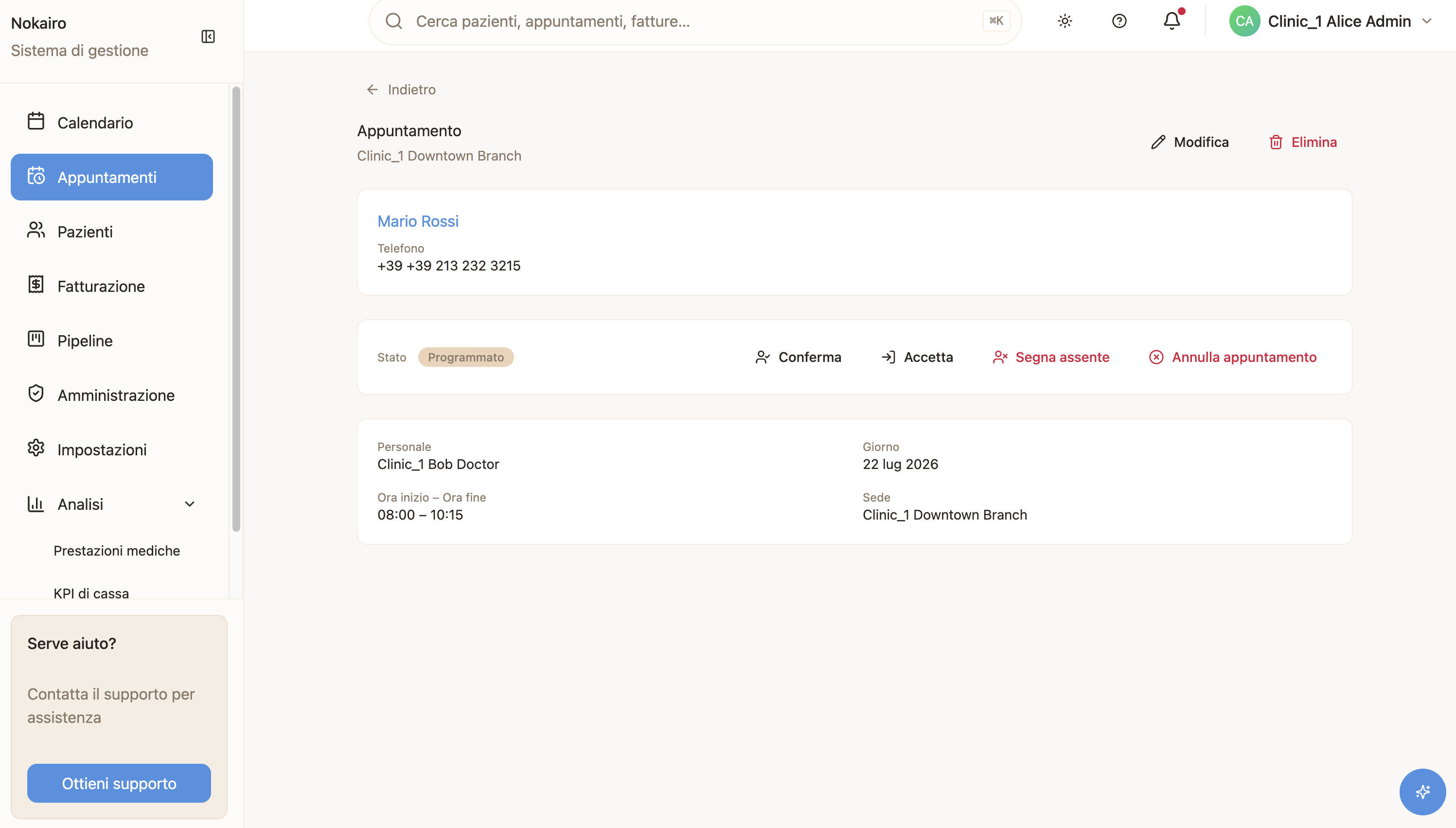
What you can do here
- See the appointment in full, including the patient summary and the procedures booked.
- Change its status as the visit progresses.
- Edit or delete it, if you have the permission. Deleting the appointment leaves the patient record intact.
How the statuses move
An appointment does not move freely between states. Nokairo offers only the transitions that make sense from where it is now:
- Scheduled can be confirmed, checked in, marked no-show, or cancelled.
- Confirmed can be checked in, marked no-show, or cancelled.
- Checked in can only be marked completed.
- Completed, cancelled and no-show are final — nothing follows them.
If a colleague changes the status while you have the page open, your action is refused and the page refreshes so you see the current state.
Appointments still waiting on the patient
An appointment can be booked before the patient’s details are known — the patient receives a link and fills them in. While that is outstanding, the page shows the appointment as awaiting patient info instead of a patient summary, and staff with update permission can copy the existing link or generate a new one.
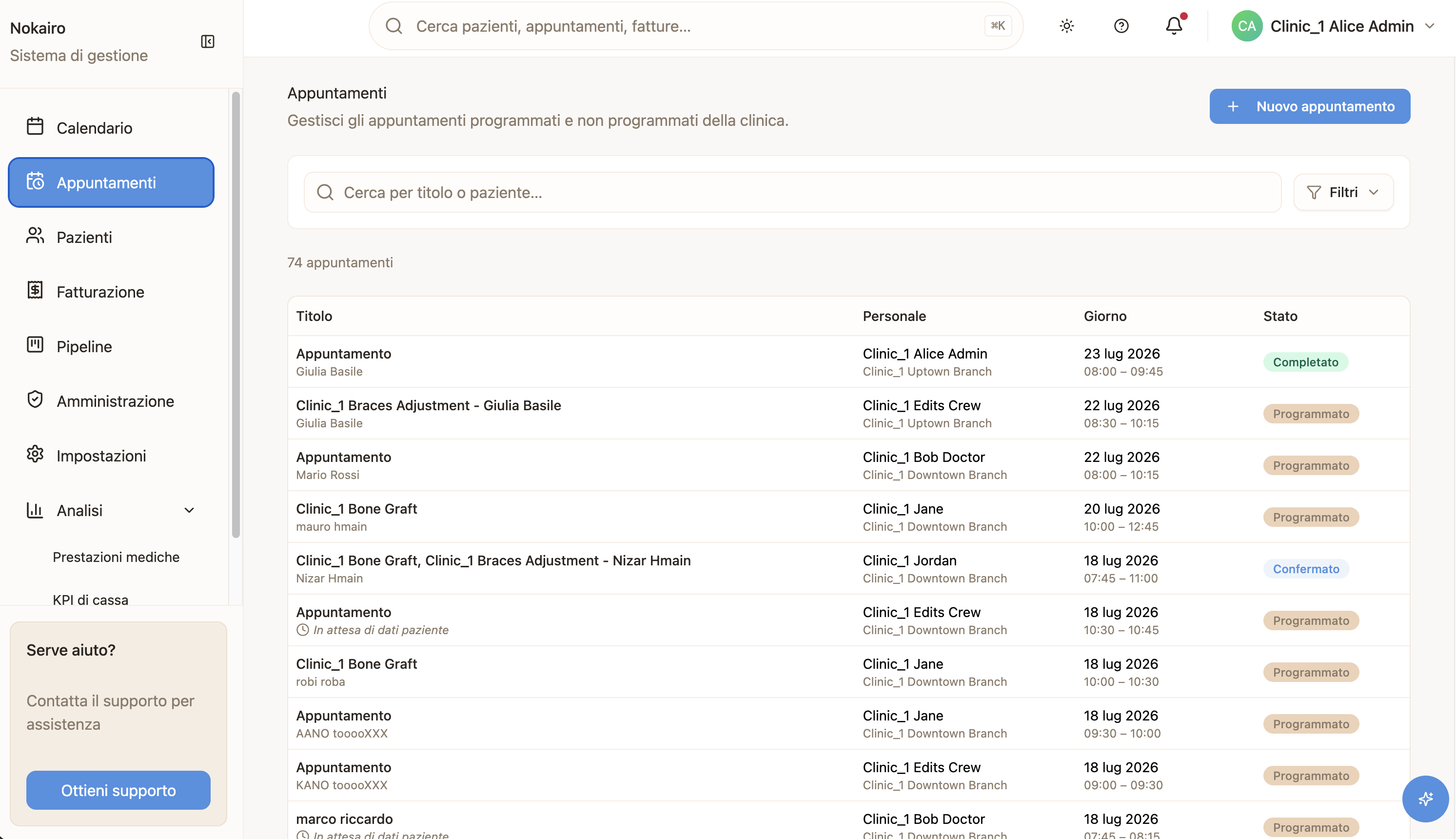
If what the patient submitted matched more than one existing record, Nokairo does not guess. The page then asks a staff member to search for the correct patient and attach it.