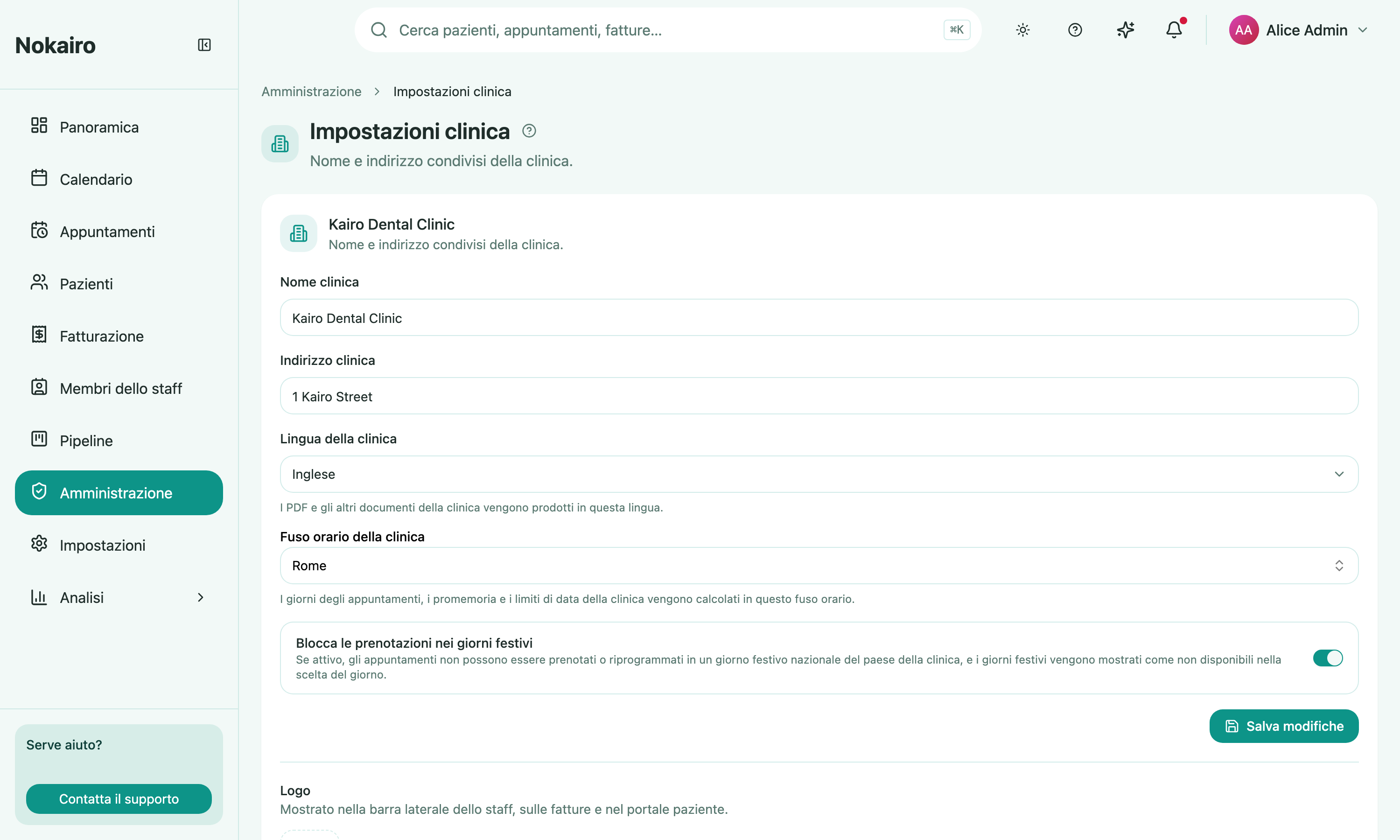
Clinic Settings holds the handful of details that describe the clinic itself. What you set here is what the rest of Nokairo shows: the name in the sidebar, the logo on an invoice, the language a generated PDF comes out in.
What you can do here
- Set the clinic name (up to 120 characters) and the clinic address (up to 500 characters).
- Choose the clinic language. Clinic-wide documents, including PDFs, are produced in this language.
- Upload, replace, or remove the logo — a PNG or JPEG up to 2 MB. It appears in the staff sidebar, on invoices, and in the patient portal.
- Block booking on public holidays — turn this on to stop appointments being booked or rescheduled onto a national public holiday. It’s on by default.
Clinic language is not your interface language
These are two different settings. The clinic language decides the language of documents the clinic generates. The language of the screens you personally look at is a preference on your own Settings page, and changing it does not change what a patient receives.
This is not your billing identity
The name and address here are the clinic’s descriptive details. The legal identifiers that go on an issued invoice — legal name, partita IVA or codice fiscale, registered seat, tax regime — live per branch under Billing Settings. Editing the clinic name here does not change what an invoice says.
Blocking public holidays
When Block booking on public holidays is on, the booking day picker shows the country’s national public holidays as unavailable, and any attempt to book or reschedule onto one is refused with a clear reason. National holidays — including the movable Easter dates — are resolved automatically each year, so you never maintain a list. It is on by default; turn it off if your clinic operates on public holidays. The setting is clinic-wide and applies to every branch, and it never touches appointments already booked on a holiday before you turned it on.
Who can change it
The page opens for the clinic, but saving is gated. Staff without the right access see the fields read-only, with a note saying so.