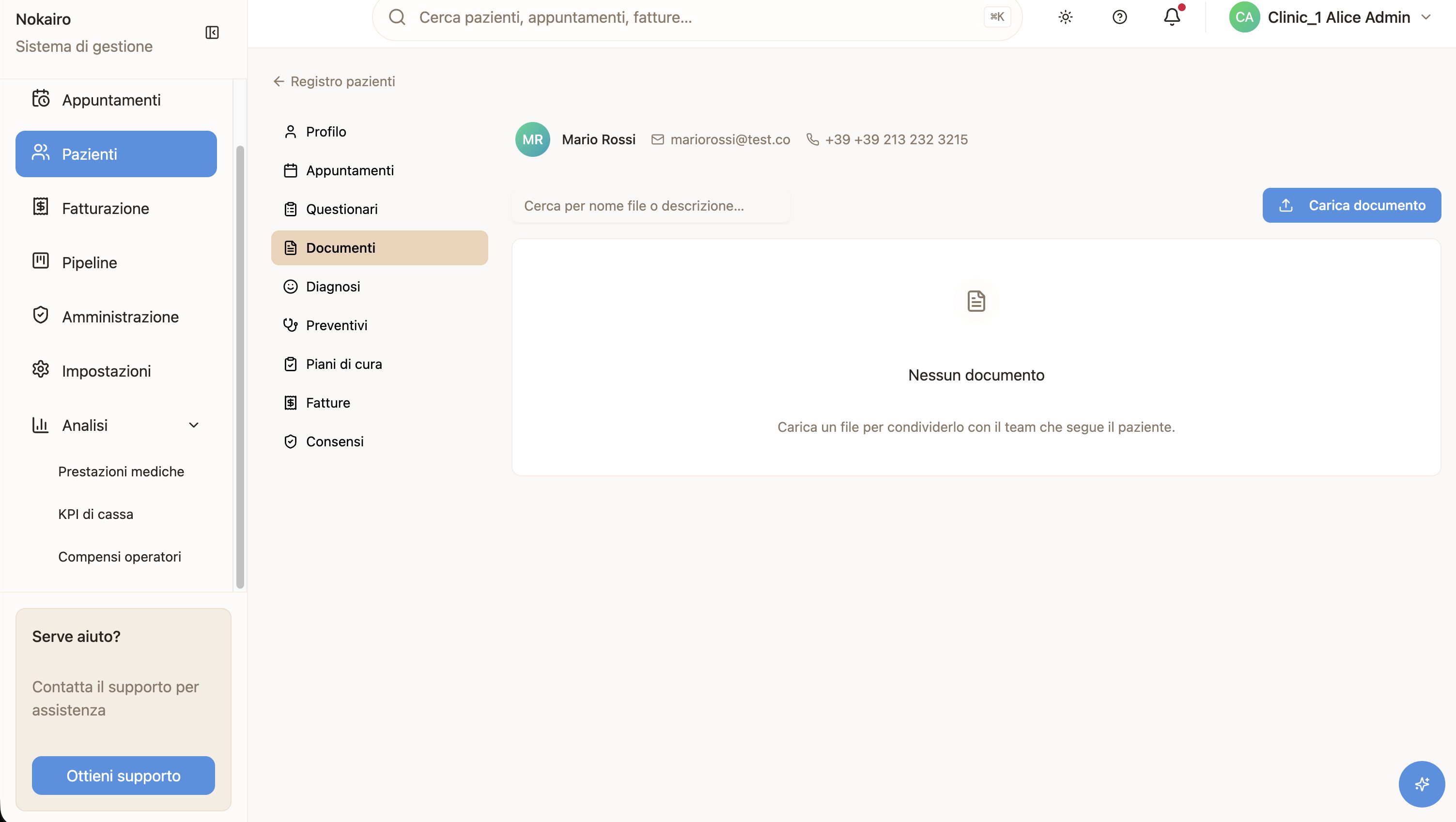
Documents is the file store attached to a patient’s record. It holds what the clinic has uploaded — scans, consent forms, identity documents, correspondence — alongside the documents Nokairo produces by itself, such as an invoice or a quote PDF.
What you can do here
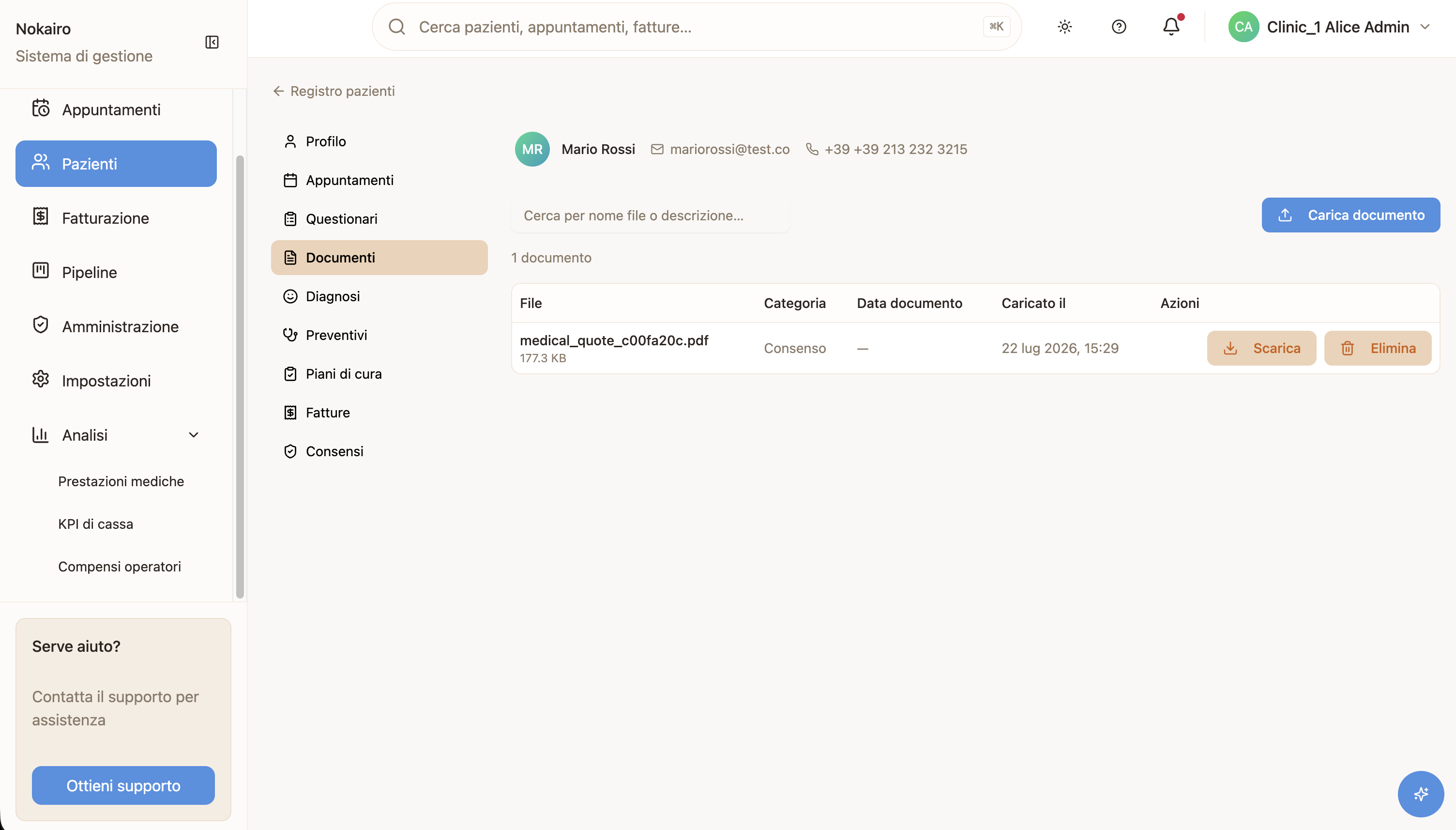
- Search by filename or description.
- Download a document.
- Upload a document, if you have the permission to manage documents.
- Delete a document, if you have the permission.
Each row shows the file, its category, the document date, when it was uploaded, and by whom. The list is paginated and tells you how many documents are held.
Uploading
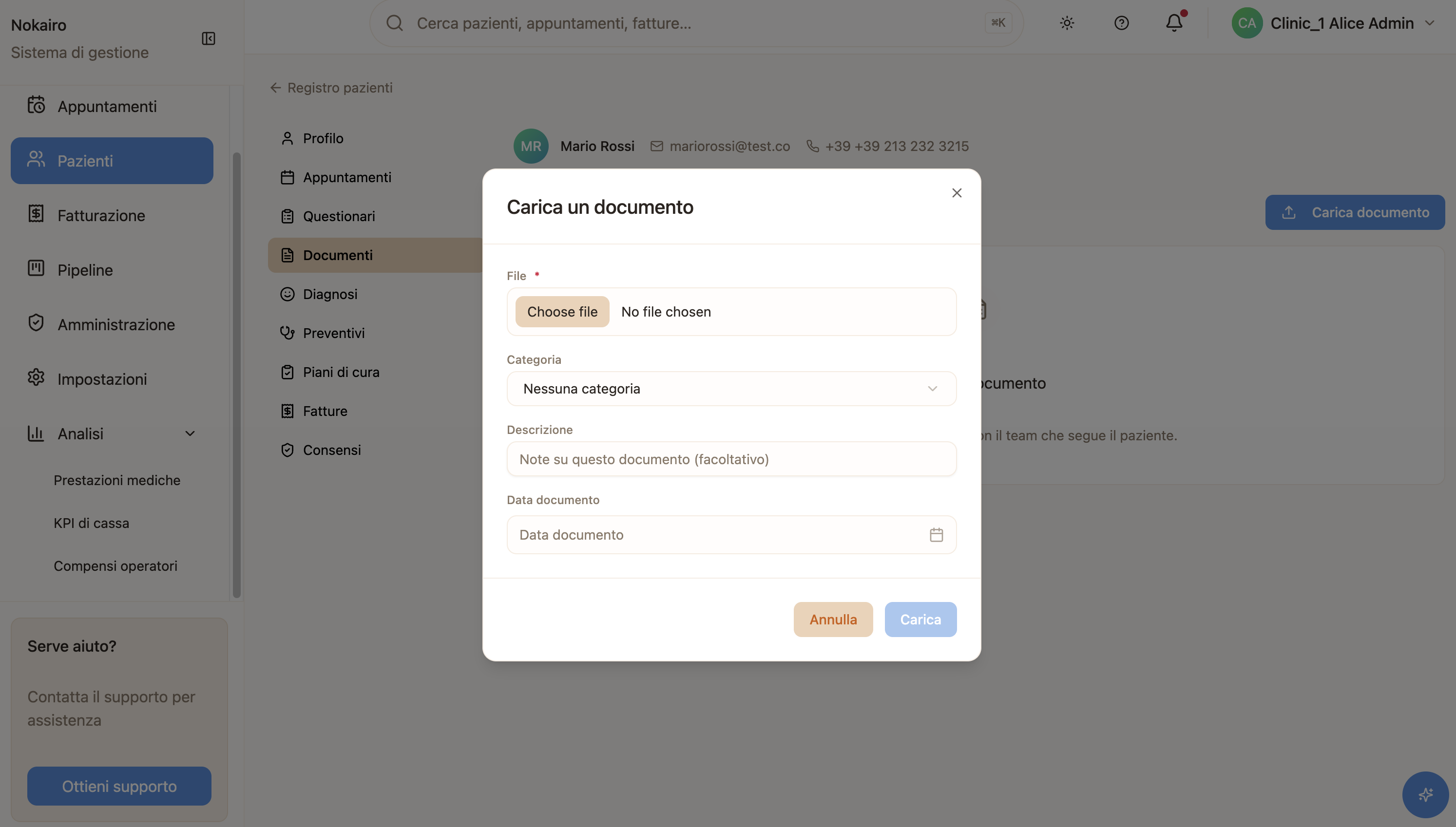
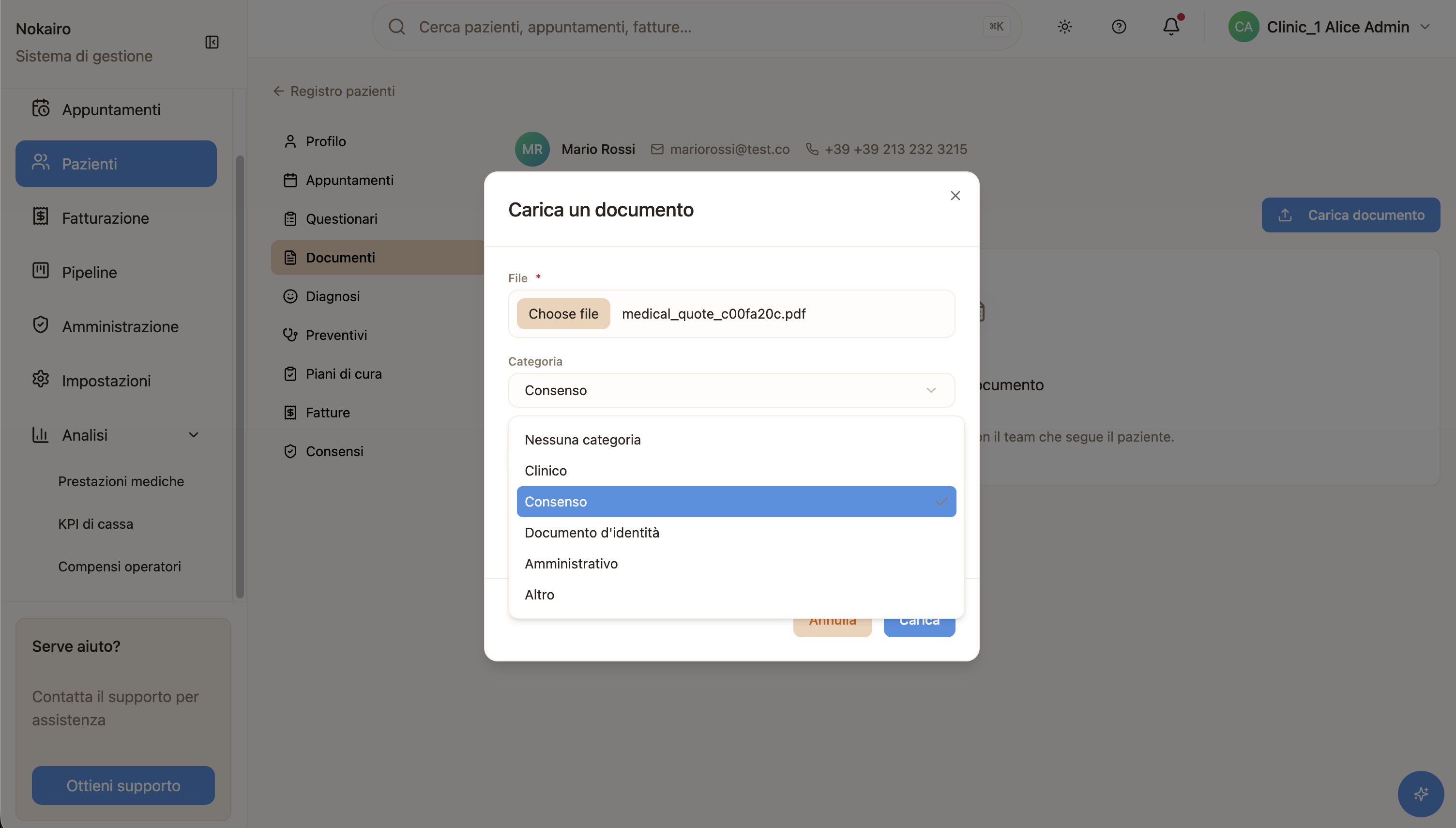
An upload takes the file itself and, optionally, a category, a description, and a document date. The document date is the date the document belongs to, which is not always the day you upload it — a consent form signed last week keeps last week’s date. Files must be 100 MB or smaller.
System-generated documents
Some documents arrive here without anyone uploading them: Nokairo files them as a by-product of work done elsewhere in the product. These are marked as system-generated so you can tell them apart from what staff have added by hand.
A note on deleting
Deleting removes the document from the patient’s record, and it cannot be undone from the interface. Bear in mind that some documents are held for a legal or clinical reason rather than for convenience.