The pipeline is a board of columns, one card per lead. It tracks the people who have made contact but are not yet a treatment case — the call that came in this morning, the referral from a colleague, the enquiry from a web form. Each lead sits in a column, and you drag it along as the conversation moves on. The board belongs to a branch; opening Pipeline takes you to the first active branch you can see.
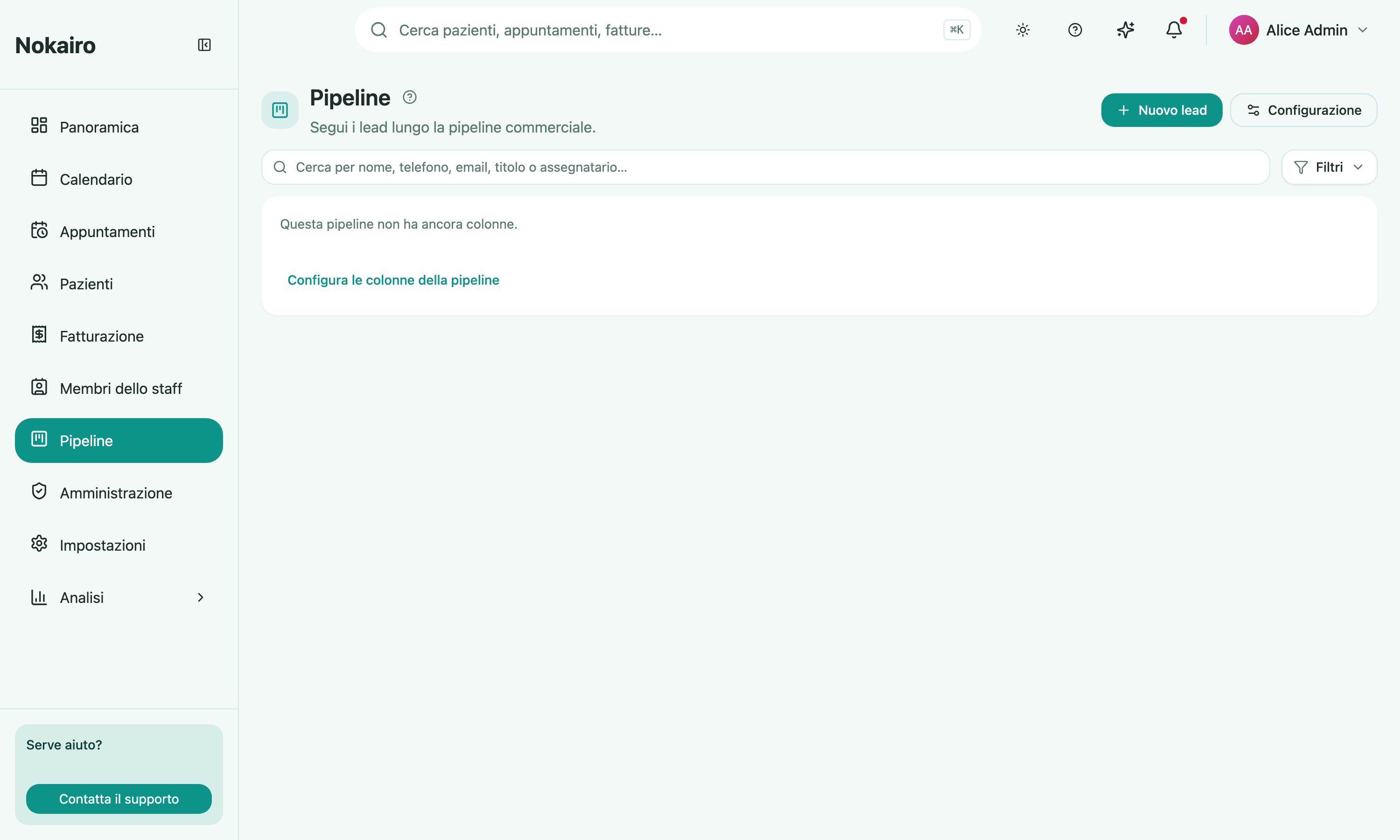
What you can do here
- Add a lead with a name, phone, email, a short title, notes, the source channel it came from, an assignee, and tags.
- Drag a card between columns as the lead progresses.
- Search by name, phone, email, title, or assignee, and filter by tag or by assignee.
- Show more than one branch at once from the Branches control in the toolbar.
- Reassign a lead to a different colleague, edit it, or delete it.
- Configure the columns — add, rename, reorder, remove — if you have access to configuration. Columns are set per branch, so two branches can run different stages.
Viewing several branches together
When you select more than one branch, columns with the same name merge into one, and each card shows which branch it came from. Dragging a card in this combined view still moves the lead within its own branch — it lands in that branch’s column of the same name. A lead never changes branch by being dragged, and a stage that does not exist on the lead’s branch is not a valid drop target.
What the board will not do
A lead is not a patient record. The pipeline holds the contact details you were given and the story of the conversation; it does not create a patient, an appointment, or a quote for you.
A deactivated branch still shows its board, but read-only.
Who sees what
You work the boards of the branches you are assigned to. Columns, tags, and leads all belong to the clinic, so a colleague on the same branch sees the same board you do.