A questionnaire is a set of questions a patient answers, typically before an appointment. This page is where the clinic writes them. It lists the templates that exist and opens an editor for each one.
Set up during registration
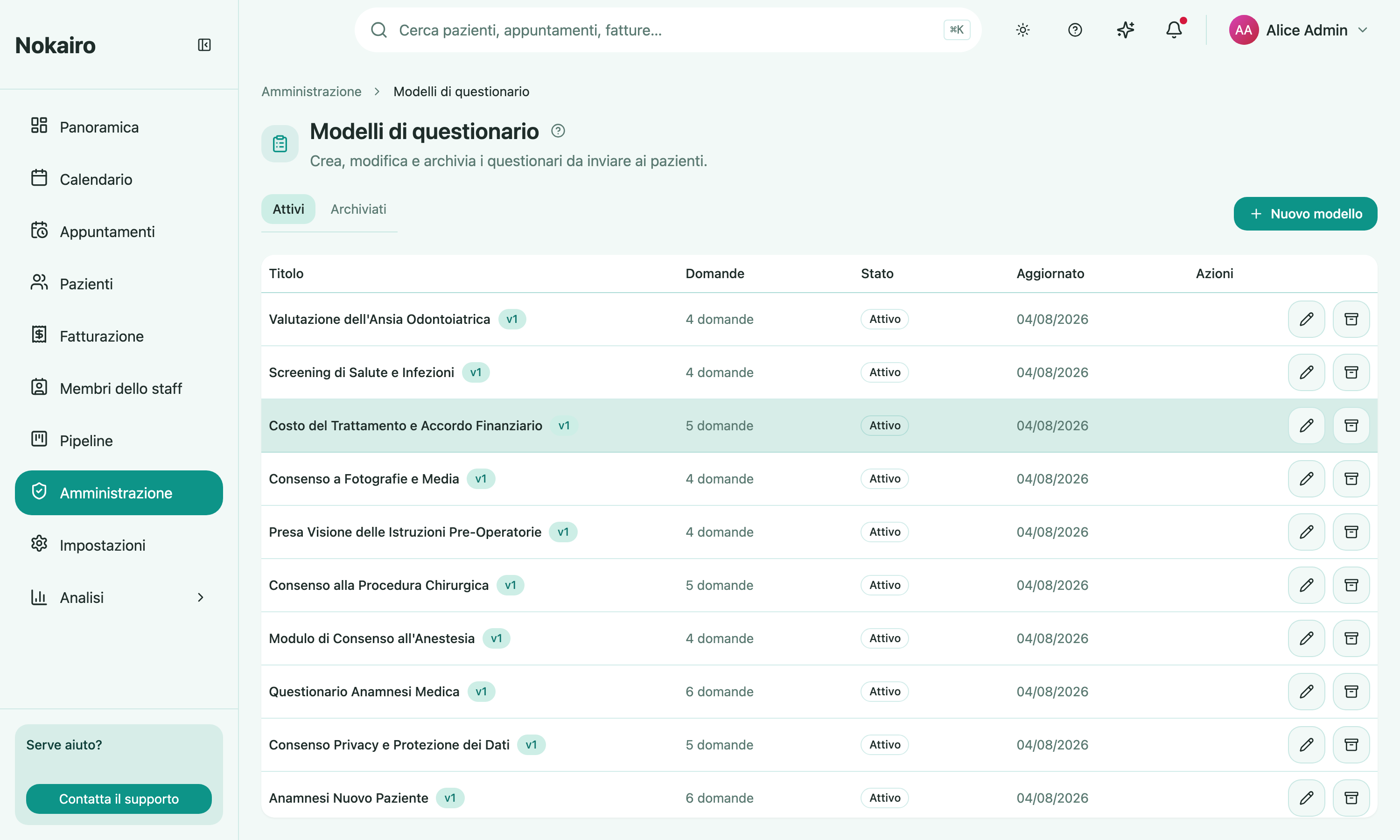
The registration wizard offers a set of ready-made intake questionnaires. Each one you kept was created here as an ordinary template, editable like any other; skipping that step leaves this page empty. See Getting started.
What you can do here
- See the templates with their question count, status, version, and when they were last updated. Filter between active and archived.
- Create a template and give it a title (up to 200 characters).
- Add questions and choose an answer type for each: free text, single choice, or multiple choice. Choice questions need at least one option.
- Mark a question required, and reorder questions by moving them up or down.
- Set a validity duration in months — how long a patient’s answers stay valid before re-confirmation is requested. Leave it empty for a questionnaire that never expires.
- Archive a template, or restore an archived one.
Archiving instead of deleting
An archived template cannot be used to send new questionnaires until it is restored. It stays in the list behind the archived filter. This is the way to retire a questionnaire without losing what patients have already answered on it.
Versions
The editor shows the template’s version. Editing an existing template is a normal thing to do — the list carries the version alongside each template so you can tell one revision from another.
Where questionnaires are sent from
This page authors templates; it does not send anything. Questionnaires reach patients from the patient’s own record, and can also be linked to a procedure in the Medical Procedures catalogue so the right one goes with the right treatment. When they are sent automatically before or after a procedure, that is configured under Communications.