Support is the direct line to the Nokairo team from inside the product. Rather than an email thread nobody else can find, each question becomes a ticket that stays here, with its whole conversation attached, so a colleague can pick it up and you can see what was said months later.
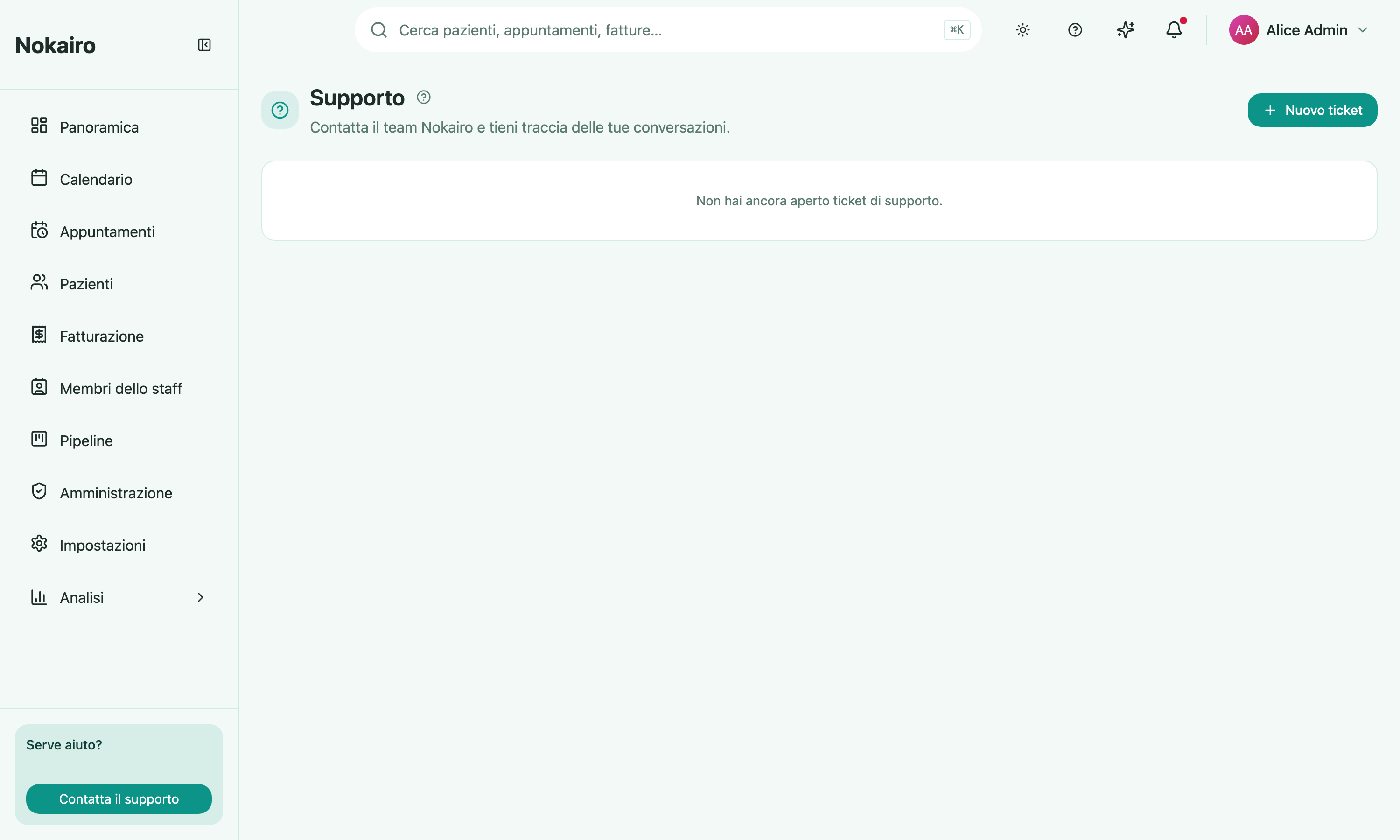
What you can do here
- Open a ticket with a subject and a message describing what is happening.
- See your clinic’s tickets, each showing when it was last active, whether it is open or closed, and a dot when there is a reply you have not read.
- Open a ticket to read the conversation and send a reply.
- Attach files to a message — up to five per message, ten megabytes each. Images show inline in the thread; other attachments can be downloaded.
- Close a ticket when the matter is settled.
Closing is not final
A closed ticket is not archived away from you. Sending a reply to it reopens it, so if the same problem comes back a week later you continue the existing thread rather than starting again from nothing.
What to send, and what not to
Support tickets are read by the Nokairo team, who are outside your clinic. Describe the problem — the screen, what you did, what happened — and leave patient details out of the subject, the message, and the attachments. A screenshot with a patient’s name or codice fiscale in it sends that data somewhere it does not need to go. If a specific record matters, say which screen you were on and let support ask.