Nokairo’s automated patient messages — reminders, confirmations, recalls — can travel by WhatsApp as well as email. This page is the connection: it links a WhatsApp Business account to the clinic, and shows whether that link is healthy.
What you can do here
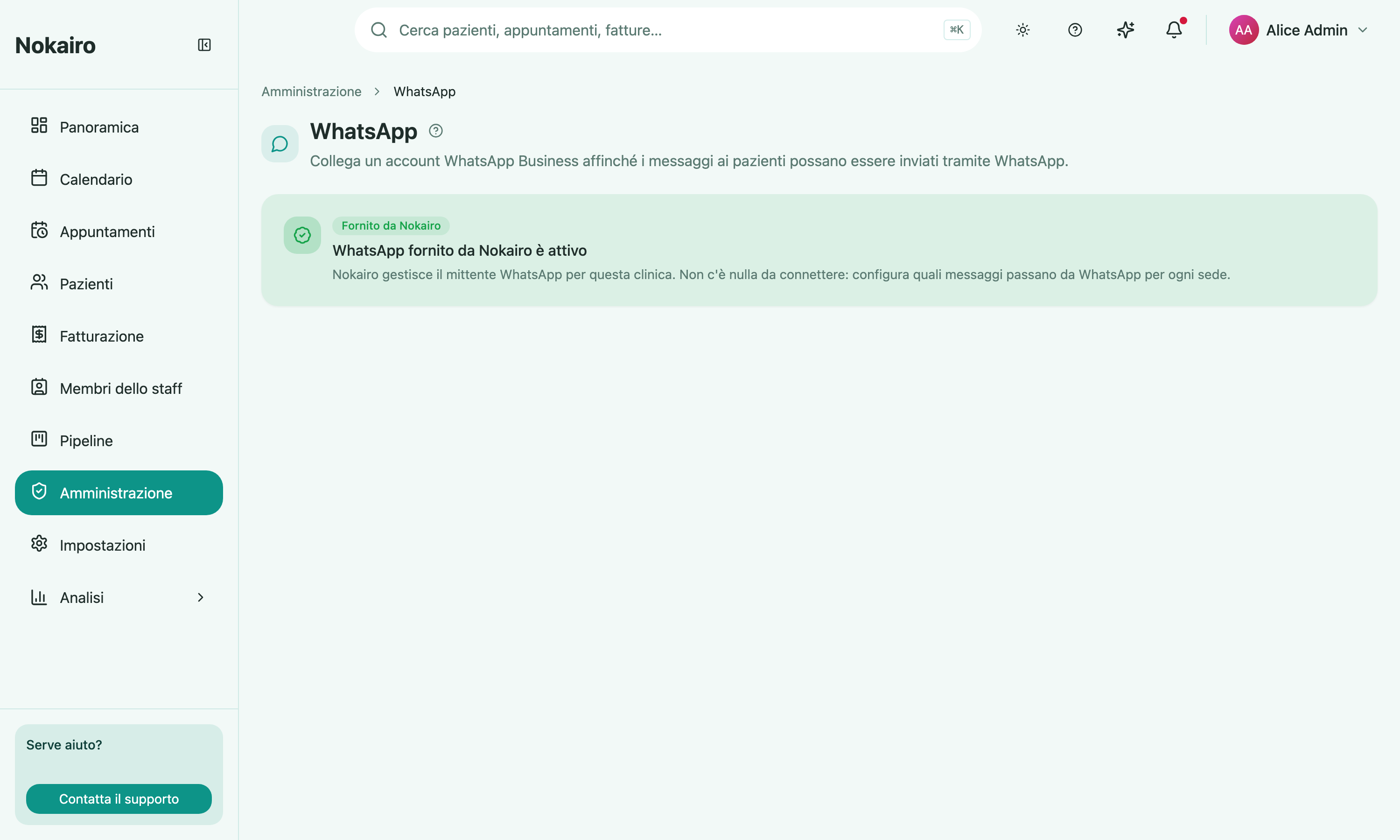
- See the connection state: not connected, connected, reconnection required, or Nokairo-provided.
- Connect — you are sent to WhatsApp to authorize access, then returned here to finish.
- Reconnect if the connection has expired or been revoked.
- Disconnect the linked account.
When it says Nokairo-provided
Some clinics have their WhatsApp sender operated by Nokairo. In that case there is nothing to connect here — the page says so, and the work moves to deciding which messages ride WhatsApp for each branch, under Communications.
While it is not connected
If the connection expires or is revoked, WhatsApp messages are paused until you reconnect, and the page shows the last error reported. Disconnecting has the same effect: messages stop going out over WhatsApp until the account is linked again.
This page does not decide what gets sent
It only establishes the channel. Which messages exist, when they go, and what they say — appointment reminders and confirmations, quotes, questionnaires, patient recalls — is configured per branch under Communications.
Who can change it
The card and the page appear only for staff whose access includes the WhatsApp connection; others do not see it in the Administration grid.