This page is the appointment history of a single patient. It answers the question you actually ask at the desk — when is this patient next in, and when were they last here — without going through the calendar or the appointments list.
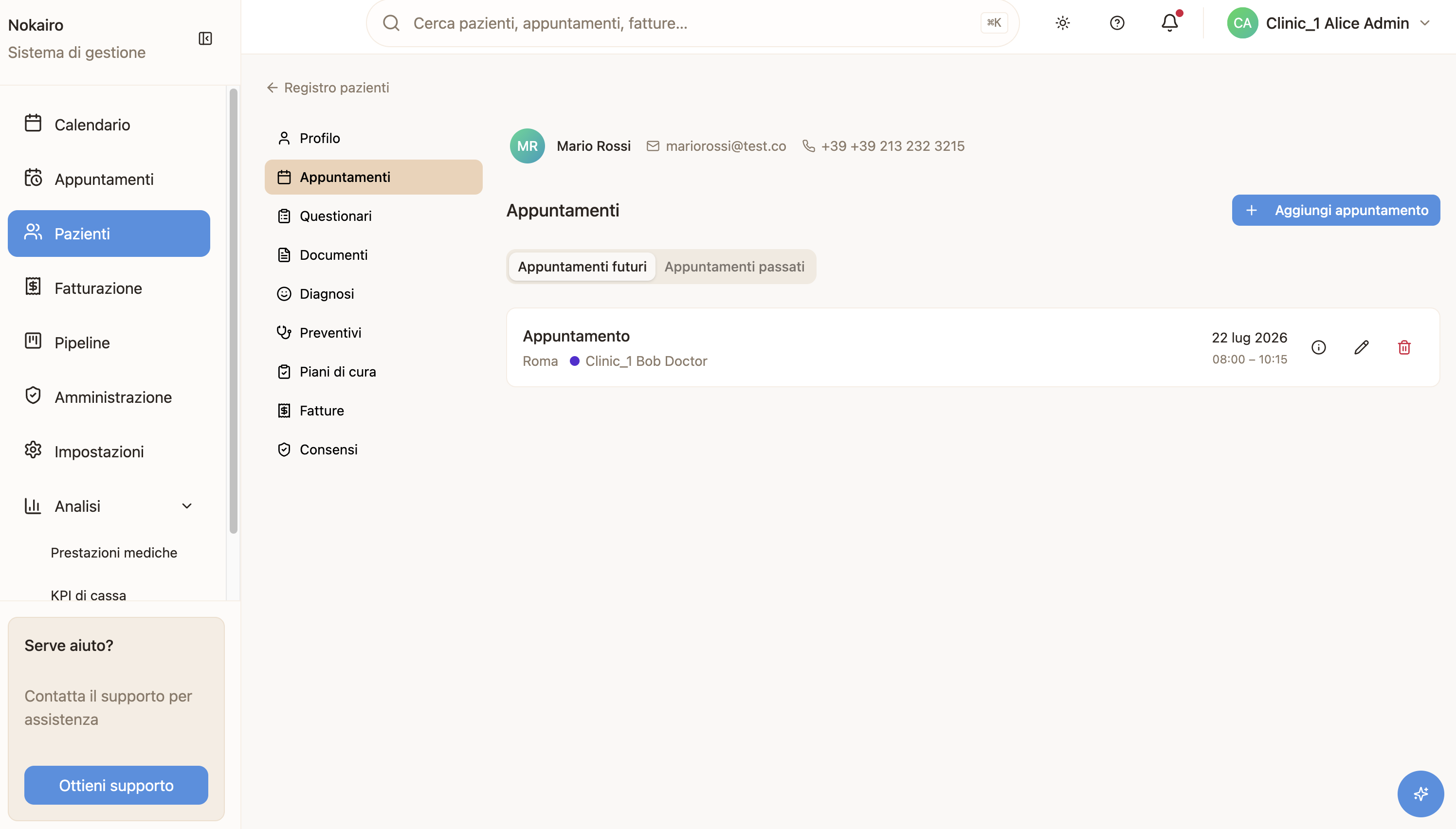
What you can do here
- Switch between future and past appointments using the two tabs.
- Open an appointment to see its full detail.
- Edit or delete an appointment, if you have the permission.
- Add an appointment for this patient, if you have the permission.
Each tab is paginated separately. Future appointments are listed soonest first; past ones most recent first. Both tabs show only appointments that have been given a day and time.
Booking from here
Adding an appointment from a patient’s record starts you off with that patient already chosen — their name and details come from the record rather than being retyped. The rest of the booking works as it does elsewhere, including the check that stops a practitioner or a chair being booked twice at once.