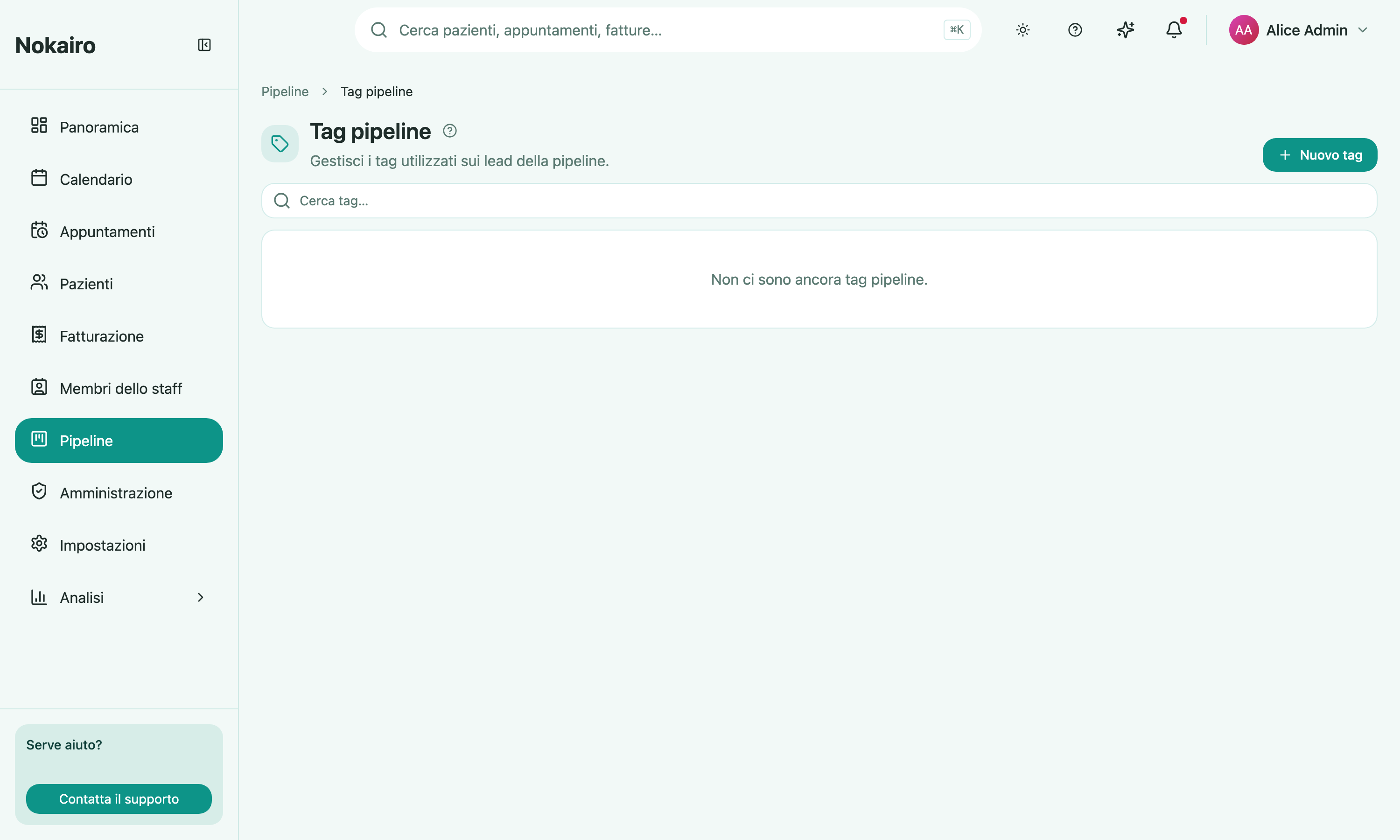
Tags are the coloured labels you put on a lead. A tag might mark what the lead is interested in, how urgent it is, or anything else your clinic wants to sort by. This page is where the list of available tags is kept, so that everyone tags leads the same way instead of inventing their own words.
What you can do here
- See every pipeline tag the clinic has, and search the list by name.
- Create a tag with a name and a colour picked from a colour picker.
- Rename a tag or change its colour. The change follows through to every lead already carrying it.
- Delete a tag that is not in use.
A tag in use cannot be deleted
A tag attached to at least one lead is marked “In use” and cannot be removed. Take it off those leads first, then delete it. This is deliberate: it stops a label quietly disappearing from cards that someone else is relying on.
How this connects to the board
Tags are shared by the whole clinic, not per branch — one list, used by every pipeline board. You attach them to a lead when you create or edit it on the pipeline board, and you can filter a board down to a tag from its toolbar.
Who sees what
Reading the list and managing it are separate things. Staff with access to pipeline tags can see them; changing, adding, or deleting a tag needs the permission to manage them, so the buttons are absent for readers.